What you see after opening
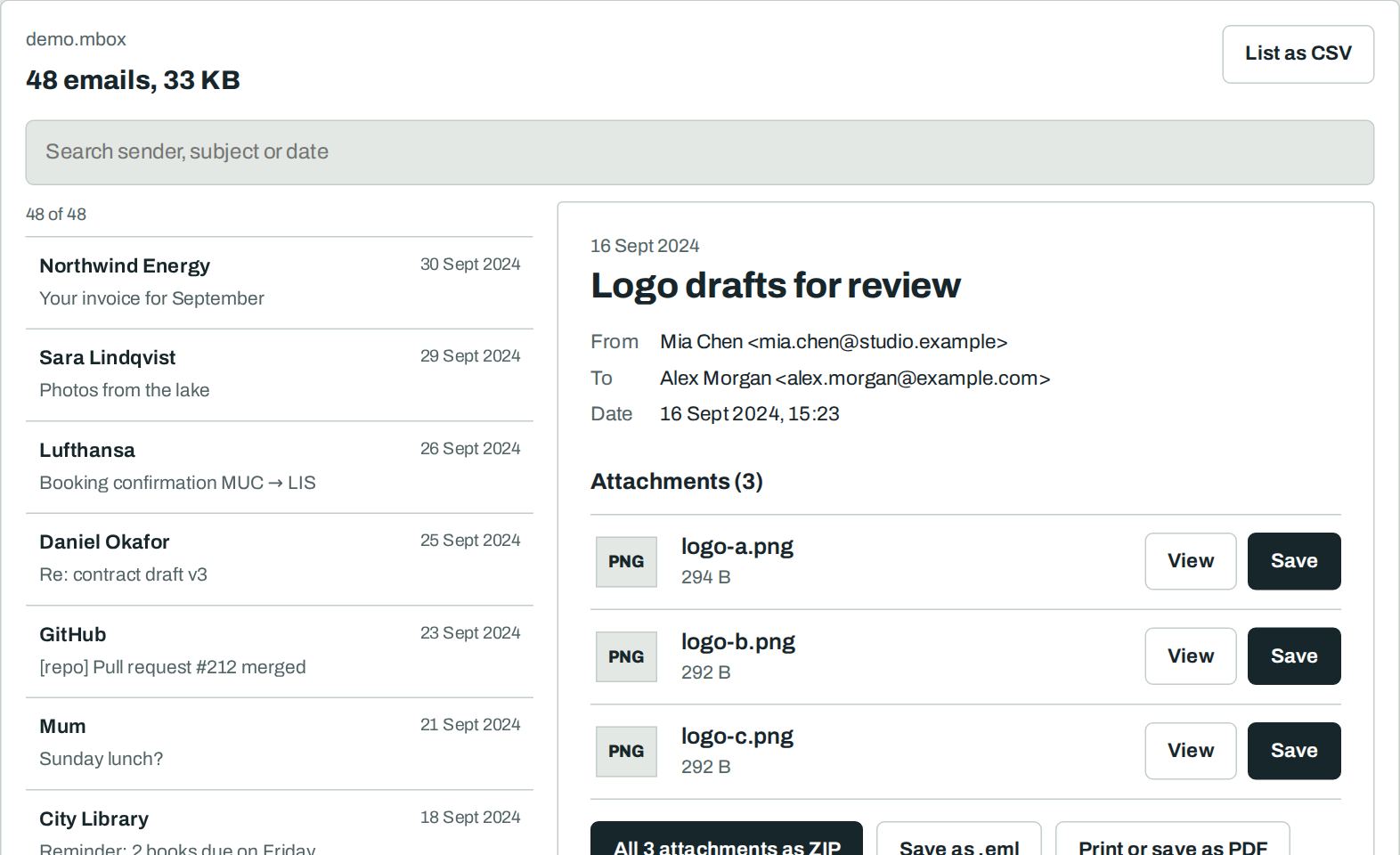
Four formats, one tool
- .msg — one email saved from Outlook. You read it without Outlook.
- .eml — one email in the standard format of Apple Mail, Thunderbird, Gmail and others.
- .mbox — a whole mailbox with thousands of emails. You search it and open each email.
- winmail.dat — a package from Outlook with the real attachments inside.
How to open an email file
- Drop the file on the letter slot above, or select “Select file”.
- Read the email on the page.
- Select “Save” next to an attachment. Several attachments download as one ZIP.
Why nothing is uploaded
The page loads a small program into your browser. The program reads the file in the memory of your device. It sends no data to a server. That is why the tool is safe for contracts, invoices and private mail.
Images from the internet inside an email are blocked. So the sender does not learn that you opened it.
Frequently asked questions
Is it free?
Yes. You need no account and no sign-up. There is no limit on the number or size of files.
Is my file uploaded?
No. Your browser reads the file on your device. Our server never sees it. You can check this: load the page, switch off the internet, then open the file. It still works.
Which file do I have?
Look at the end of the file name. .msg comes from Outlook. .eml comes from almost every other mail program. .mbox is a full mailbox, for example from Gmail Takeout or Thunderbird. winmail.dat is an attachment that Outlook adds.
How large can an .mbox file be?
Several gigabytes. The browser reads the mailbox in parts, so it does not need to fit in memory.
Can I save the email as PDF?
Yes. Select “Print or save as PDF” and choose “Save as PDF” in the print window.