What you see after opening
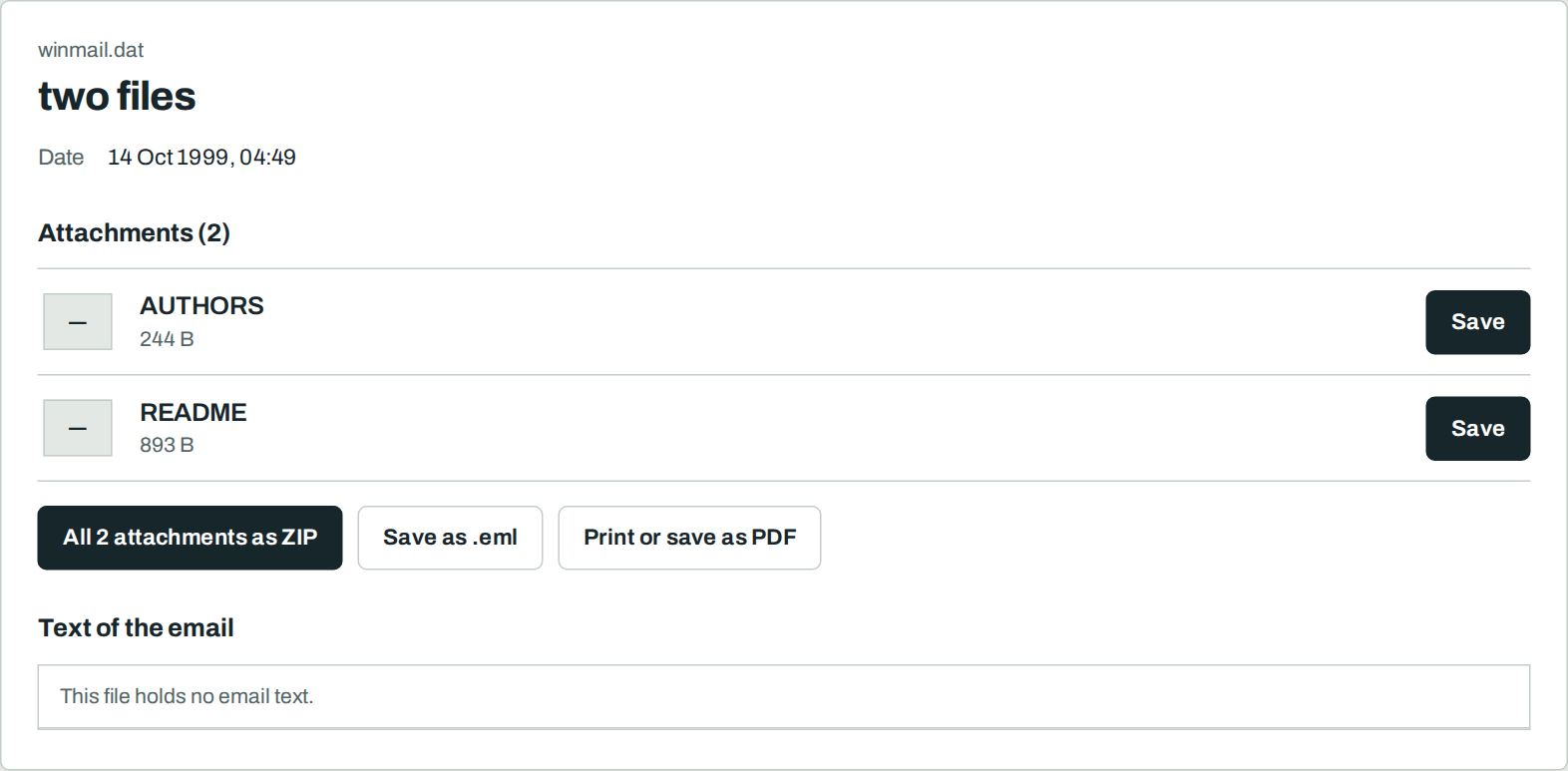
What winmail.dat is
Outlook sometimes packs the text of an email and all attachments into one file called winmail.dat. The format is TNEF (Transport Neutral Encapsulation Format).
Outlook can read it. Apple Mail, Gmail, Thunderbird and the iPhone often cannot. You see only “winmail.dat”. The real attachments are inside.
How to open winmail.dat
- Save the winmail.dat attachment to your device.
- Drop it on the letter slot above, or select “Select file”.
- Select “Save” next to each attachment, or download all as ZIP.
For senders: stop winmail.dat
- In Outlook open File → Options → Mail.
- Set “Compose messages in this format” to HTML.
- Set “When sending messages in Rich Text format to Internet recipients” to Convert to HTML format.
Exchange administrators turn TNEF off for all external recipients with Set-RemoteDomain Default -TNEFEnabled $false.
Nothing leaves your device
Frequently asked questions
Is it free?
Yes. You need no account and no sign-up. There is no limit on the number or size of files.
Is my file uploaded?
No. Your browser reads the file on your device. Our server never sees it. You can check this: load the page, switch off the internet, then open the file. It still works.
The file is called ATT00001.dat. Does that work?
Yes. The name does not matter. The tool checks the content of the file.
I see no attachments. Why?
Some winmail.dat files hold only the formatted text of the email. Then the email had no other attachments.