What you see after opening
What an .mbox file is
An .mbox file holds many emails one after the other in one text file. Gmail Takeout, Thunderbird and Apple Mail use it to export or store mailboxes.
To read it, you normally import it into a mail program. That takes time and mixes old mail with your current mailbox. Here you only look at it.
How to open an .mbox file
- Drop the .mbox file on the letter slot above, or select “Select file”.
- Wait while the browser reads the mailbox. You see the progress.
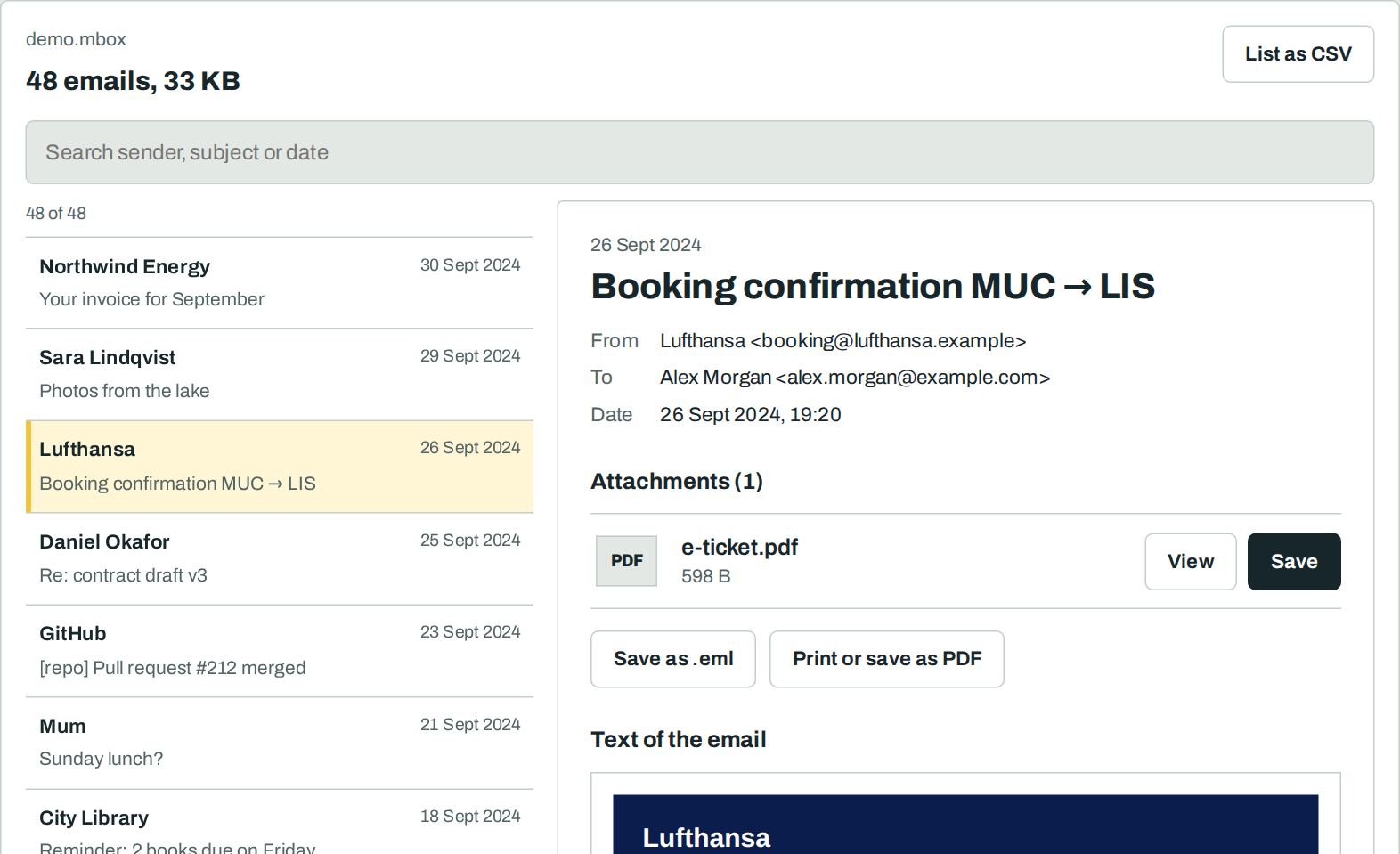
- Search the list, then select an email to read it.
- Save attachments, the single email as .eml, or the list as CSV.
Open a Gmail Takeout export
- Unpack the ZIP from Google Takeout.
- Open the folder Takeout → Mail.
- Drop the file All mail Including Spam and Trash.mbox on the slot above.
Gmail labels are searchable too. Type a label, for example “Inbox” or “Sent”, into the search field.
Nothing leaves your device
Frequently asked questions
Is it free?
Yes. You need no account and no sign-up. There is no limit on the number or size of files.
Is my file uploaded?
No. Your browser reads the file on your device. Our server never sees it. You can check this: load the page, switch off the internet, then open the file. It still works.
Where does an .mbox file come from?
Gmail Takeout exports your mail as .mbox. Thunderbird, Apple Mail and many mail servers store mailboxes in this format too.
My Gmail Takeout file is 5 GB. Does it work?
Yes. The browser reads the file in parts of 8 MB and keeps only a list of the emails in memory. On a phone, very large files take longer.
Can I export the list of emails?
Yes. Select “List as CSV”. You get date, sender, recipient and subject of every email for Excel or Google Sheets.
Can I save one email from the mailbox?
Yes. Open the email and select “Save as .eml”. Every mail program opens the .eml file.