What you see after opening
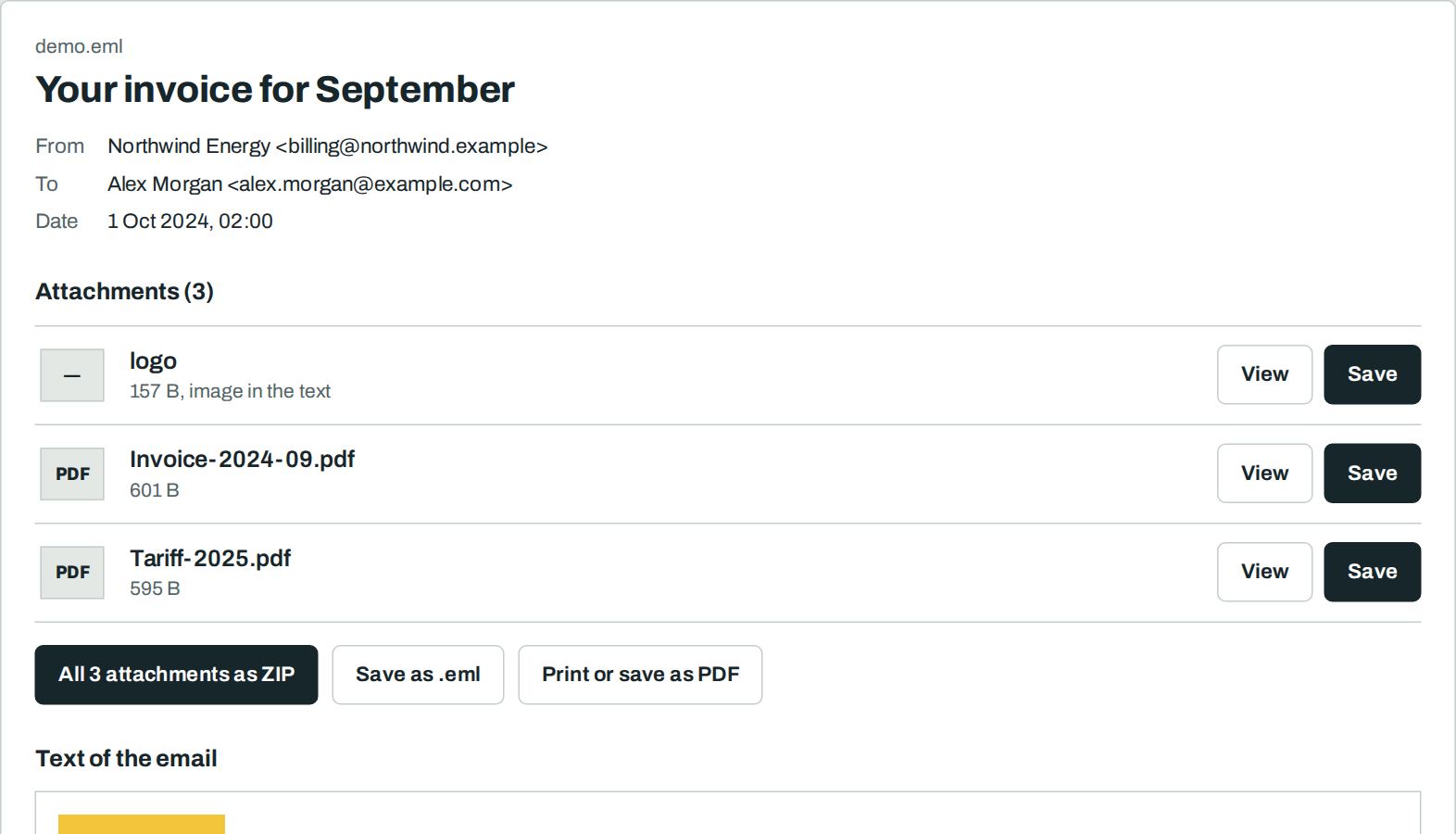
What an .eml file is
An .eml file is one email in the standard internet format. Apple Mail, Thunderbird, Gmail, Outlook.com and most other services can save emails as .eml. Forwarded emails often arrive as .eml attachments.
How to open an .eml file
- Drop the .eml file on the letter slot above, or select “Select file”.
- Read the email on the page.
- Select “Save” next to an attachment, or download all of them as one ZIP.
Nothing leaves your device
Frequently asked questions
Is it free?
Yes. You need no account and no sign-up. There is no limit on the number or size of files.
Is my file uploaded?
No. Your browser reads the file on your device. Our server never sees it. You can check this: load the page, switch off the internet, then open the file. It still works.
Why does my computer not open the .eml file?
An .eml file needs a mail program like Outlook, Apple Mail or Thunderbird. Without one, Windows and phones often show only code. This page shows the email as it was sent.
Can I convert .eml to PDF?
Yes. Open the file and select “Print or save as PDF”. In the print window choose “Save as PDF”.
The email contains another email. What happens?
Attached emails are opened too. They appear below the first email with their own attachments.